Complete Guide to Ordering Premium UK DayZ Server Hosting
Welcome to OCNetworks' comprehensive guide for ordering your DayZ dedicated server. This article covers the complete ordering process, payment methods, automatic deployment, and accessing your server credentials through our client portal.
Quick Overview
- Instant Deployment: Your DayZ server deploys automatically within 60 seconds of payment confirmation
- UK Data Centers: All servers hosted in premium UK facilities for optimal latency
- Secure Payment: Multiple payment options with enterprise-grade security
- Client Portal Access: Full server management via our intuitive control panel
- 24/7 Support: UK-based technical support team available round the clock
Step 1: Selecting Your DayZ Server Plan
Available DayZ Server Configurations
OCNetworks offers high-performance DayZ dedicated servers optimized for player capacity, mod support, and custom map hosting.
Performance Tiers:
- Starter Servers: 20-40 players, vanilla or light modded gameplay
- Performance Servers: 40-60 players, full mod support, custom maps
- Premium Servers: 60-80 players, extensive mods, large custom maps
Key Features Included:
- ✅ High-tick rate servers for smooth gameplay
- ✅ NVMe SSD storage for fast world loading
- ✅ Steam Workshop integration
- ✅ Full server admin tools access
- ✅ Custom map hosting support (Chernarus, Livonia, Deer Isle, etc.)
- ✅ Automatic backups and updates
- ✅ DDoS protection (100+ Gbps)
- ✅ Dedicated IPv4 address
Step 2: Payment & Processing
Accepted Payment Methods
- Credit/Debit Cards: Visa, Mastercard, American Express - Instant processing
- PayPal: Personal or business accounts with instant confirmation
- Bank Transfer (UK): Faster Payments Service - Same day processing
- Cryptocurrency: Bitcoin, Ethereum, Litecoin - 10-30 minute confirmation
Payment Security
- PCI DSS Compliant: All payment processing meets industry standards
- SSL Encryption: 256-bit encryption for all transactions
- No Card Storage: We never store complete card details
- Fraud Protection: Advanced fraud detection systems
Payment Confirmation
Once your payment is successfully processed, you'll receive an instant confirmation screen showing your payment details and invoice information.
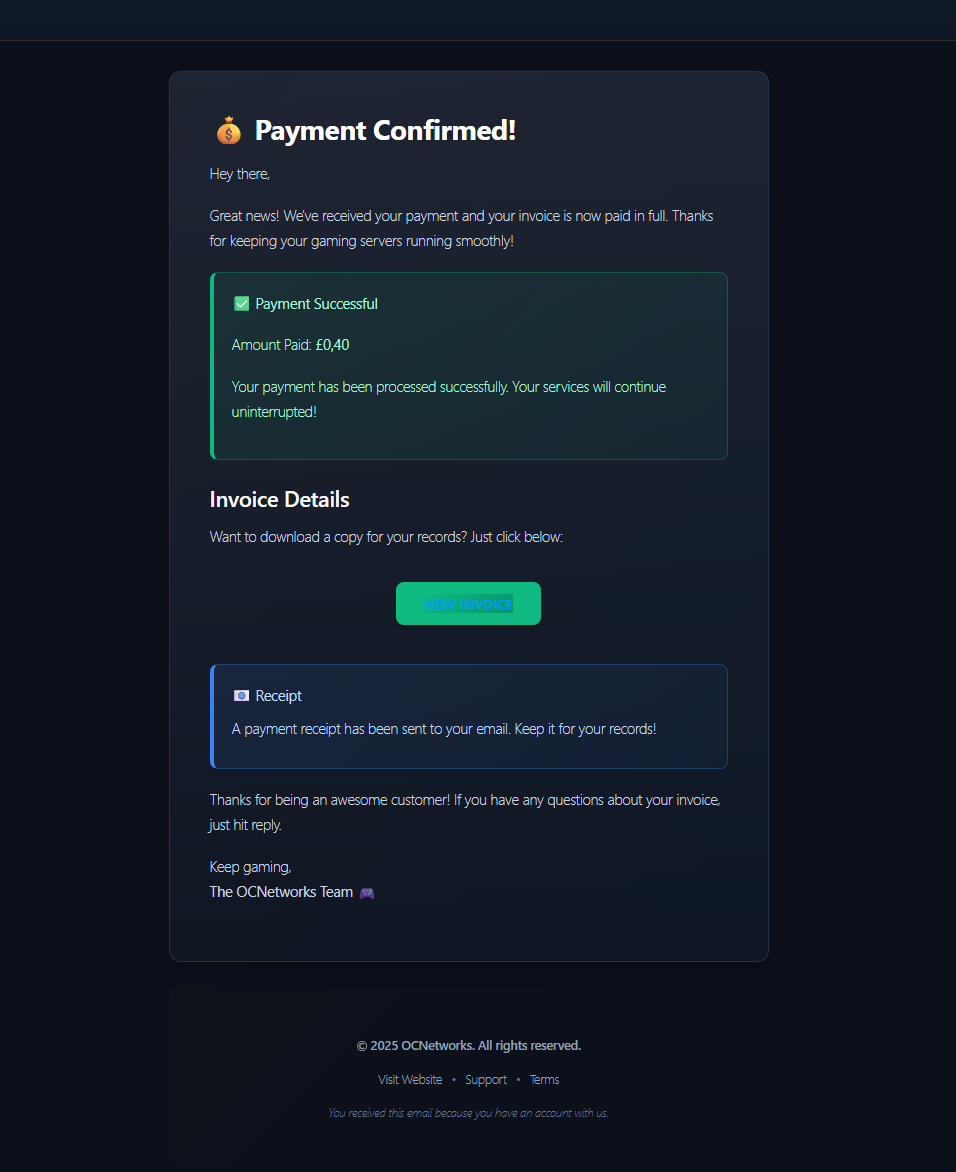
Payment Confirmed - Your invoice is paid and services will continue running smoothly
Step 3: Automatic Server Deployment
OCNetworks Infrastructure Automation
Our proprietary infrastructure automation system handles your DayZ server deployment with zero manual intervention. Deployment completes in under 60 seconds.
Deployment Process:
- Resource Allocation (5-10 seconds) - CPU cores, RAM, and storage provisioned
- Operating System Setup (10-15 seconds) - Ubuntu Server 22.04 LTS deployed with security hardening
- DayZ Server Installation (20-30 seconds) - SteamCMD, DayZ dedicated server, and Workshop integration installed
- Network Configuration (5-10 seconds) - IPv4 assigned, ports configured, DDoS protection activated
- Security & Access Setup (5-10 seconds) - Admin password, FTP credentials, SSH keys configured
- Final Verification (5 seconds) - Server connectivity tested and verified
Server Activation Confirmation
Once deployment is complete, you'll receive a confirmation screen showing your server is live and ready to use. This includes quick tips and a direct link to your server management panel.
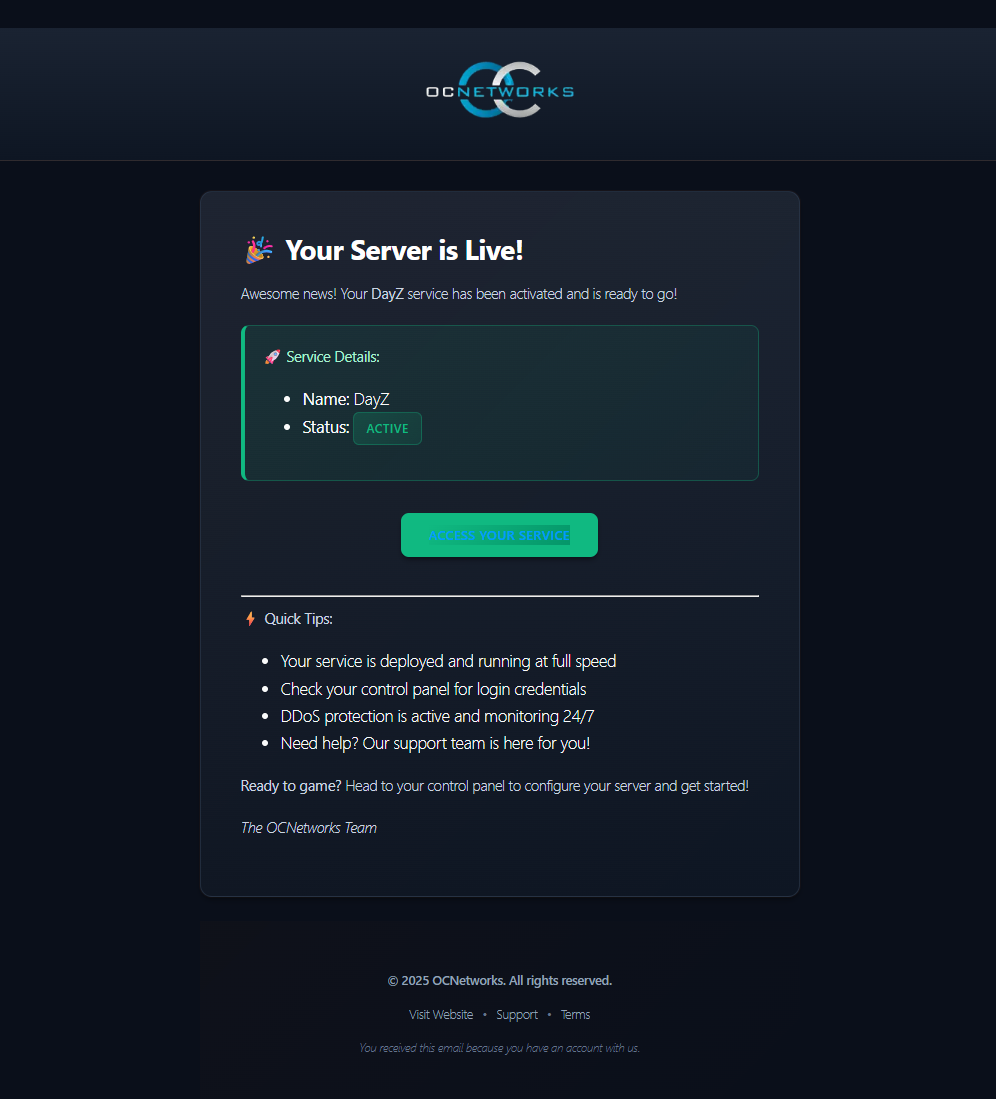
Your Server is Live! - Confirmation screen with service status and quick access to control panel
Step 4: Accessing Your Server Credentials
Setting Up Your Control Panel Account
After your server is deployed, you'll receive an email with instructions to set up your OCN Panel account. This email contains your username and a secure link to create your password.
⚠️ Important: Please check your spam/junk folder if you don't see the account setup email within 2-3 minutes. Sometimes automated emails can be filtered by email providers.
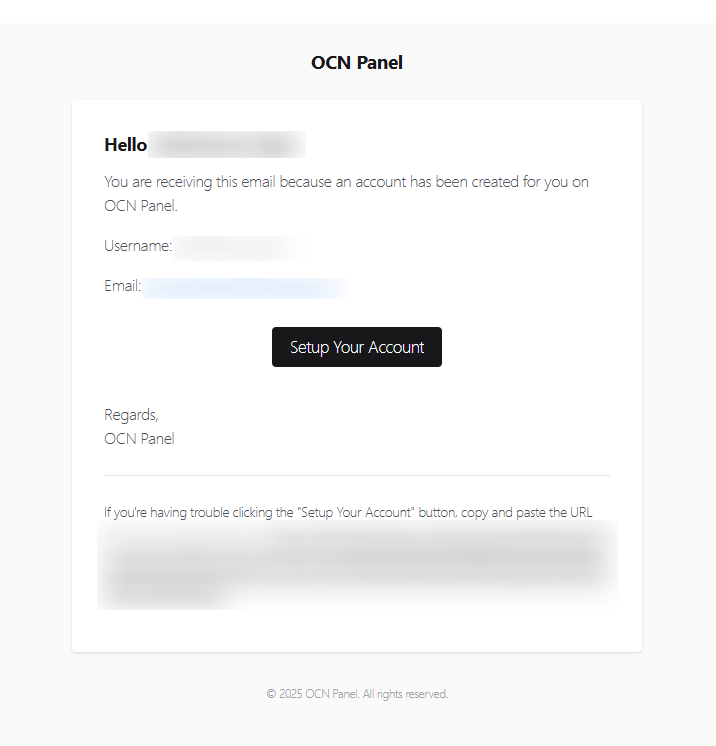
Account Setup Email - Create your password to access the control panel
Setting Up Your Account:
- Open the email titled "OCN Panel - Account Created"
- Click the Setup Your Account button
- Create a strong, secure password
- Confirm your password and complete the setup
- You'll be automatically logged into the panel
Client Area Login
Navigate to panel.ocnetworks.co.uk and login with your registered email and password. Click "Services" and select your newly deployed DayZ server.
Server Credentials Dashboard
Your client area provides comprehensive server access credentials:
Connection Details:
Server IP Address: 178.129.218.59
Game Port: 2302
Query Port: 2303
Steam Port: 2304
BattlEye Port: 2305
Authentication Credentials:
- Admin Password: Randomly generated 32-character secure password
- FTP Username: Automatically created based on server ID
- FTP Password: Secure random password (different from Admin)
- SSH Access: Private key authentication (optional, available on request)
Quick Connect String:
Connect via DayZ Launcher or Steam Server Browser
IP: 178.129.218.59:2302
Control Panel Access
Pelican Panel URL: https://panel.ocnetworks.co.uk
Features Available:
- Real-time server console
- File manager with online editing
- Scheduled task management
- Database management
- Backup and restore functions
- Server startup parameters
- Network port allocations
- Performance monitoring graphs
Post-Deployment Support
Getting Help
UK-Based 24/7 Support:
- Live Chat: Available in client area (average response: 2 minutes)
- Email Support: support@ocnetworks.co.uk (response within 1 hour)
- Discord Community: Join our Discord server for community support
- Knowledge Base: Comprehensive articles covering all aspects of DayZ hosting
Service Level Agreement (SLA)
99.999% Uptime Guarantee:
- Network uptime: 99.999% monthly average
- Hardware failure response: Within 15 minutes
- Critical issue resolution: Within 1 hour
- Scheduled maintenance: Announced 48 hours in advance
Next Steps
Now that your DayZ server is deployed and accessible, proceed to:
- Configuring Your DayZ Server - Customize server settings and optimize performance
- Managing DayZ Server Mods - Install and configure mods using Steam Workshop
Need Help? Contact our support team at support@ocnetworks.co.uk or join our Discord community for assistance.